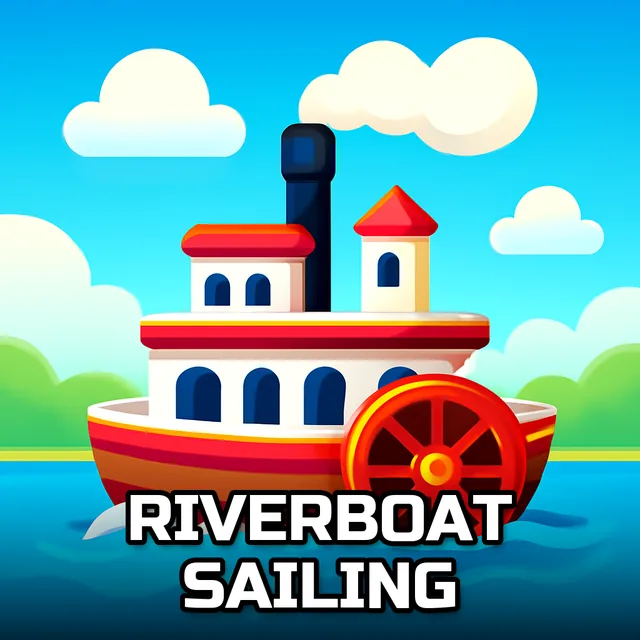
Riverboat Sailing
Instructions:
Use the mouse to play this gameDescription
How To Play Riverboat Sailing
Controller & Keyboard Guide
- Click and hold a puzzle piece with the left mouse button to pick it up.
- Drag the piece across the board and let go over the spot where it belongs.
- Pick one of the six riverboat pictures before you start assembling anything.
- Choose a difficulty mode first, since piece count and grid size change depending on which one you pick.
- No keyboard needed here — the mouse handles everything from start to finish.
There's something calming about a slow boat drifting along a river, and that's exactly the vibe this puzzle set leans into. Each of the six images captures a different riverboat scene, all soft edges and quiet water, the kind of picture that looks nice half-finished and even better once the last piece clicks into place. It's not trying to tell some grand story — it's just giving you a pleasant little scene to rebuild piece by piece, at whatever pace suits you.
Why You Should Play
- Three difficulty modes mean a five-year-old and a puzzle nerd can both find something that fits.
- Six separate images keep things from feeling repetitive after one round.
- The drag-and-drop control scheme is simple enough that literally anyone can pick it up in ten seconds.
- Runs right in the browser on HTML5, so there's nothing to download and no waiting around.
- Works fine on mobile too, which makes it an easy pick for killing time on a phone.
- Low-pressure pacing makes it a nice break between faster, twitchier games — no timer breathing down your neck.