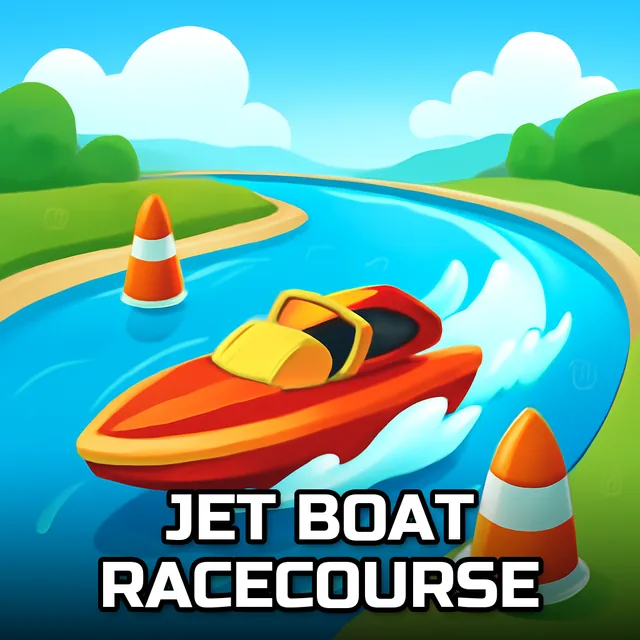
Jet Boat Racecourse
Instructions:
Single Player Mode Move W A S D or ARROW KEYS NOS F Restart Position R Look back T Switch Camera Position C Two Player Mode Player 1 Move W A S D NOS F Restart Position R Look back T Switch Camera Position CDescription
Jet Boat Racecourse Mobile & PC Control Guide
Control Scheme
Whether playing solo or splitting the keyboard with a second player, movement here sticks to a familiar directional layout, with dedicated inputs for nitrous boost, restarting your position, checking your view backward, and switching camera angles. That shared but distinct control scheme for both players keeps two-player sessions running smoothly, since each racer gets a full set of inputs without needing to awkwardly share a single set of keys.
Learning exactly how each boat's nitrous system behaves takes a bit of practice, since triggering it at the wrong moment near a thin ramp can send you flying at an awkward angle rather than carrying you cleanly through the intended jump. Getting comfortable with that timing early makes the later, trickier ramp sections considerably more manageable once nitrous becomes second nature.
Winning Strategies
Racing mode rewards consistent lap times built around smart ramp usage far more than raw nitrous spam, since flying through the air looks impressive but often costs more time than a clean, grounded line would. Free drive mode, by contrast, is really where experimenting with thin ramp slides and bigger jumps pays off, letting you build a feel for a specific boat's handling before committing to it in a real race. Earning new boats by finishing races in first place gives you a steady reason to keep refining your approach across repeated attempts, and testing a freshly earned boat back in free drive is a natural next step before racing with it seriously.